Deleted for good when it ends
When the leader taps End, or the end time passes, the event's whole database is wiped in one step: locations, chat, photos and nicknames. No backups, no archive, no "recently deleted".
For concerts, festivals and every crowded night out
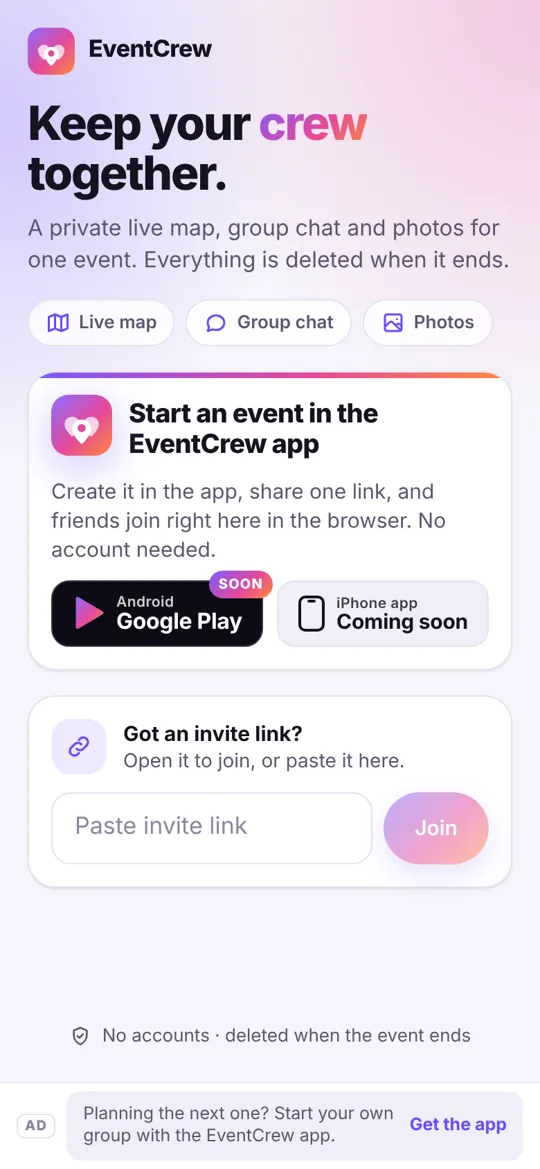
One person starts the event. Friends tap a link, with no app to install, and see each other on a live map, chat and share photos. When the event ends, all of it is permanently deleted.
Android app for the person who starts the event. Friends join from any phone's browser.
A 45-second walkthrough of the real app: start an event, share the link, see your crew on the map.
Played from YouTube's privacy-enhanced embed; nothing loads until you press play.
Three steps, and the friends joining you never have to download anything.
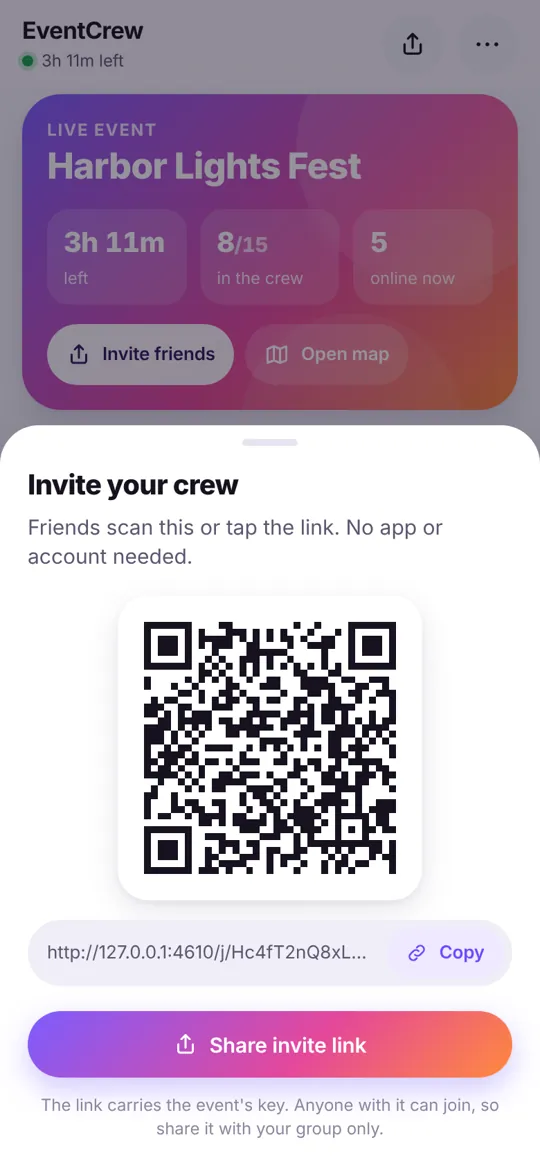
The leader opens the EventCrew app, names the event, sets when it ends and shares the invite link in any group chat.
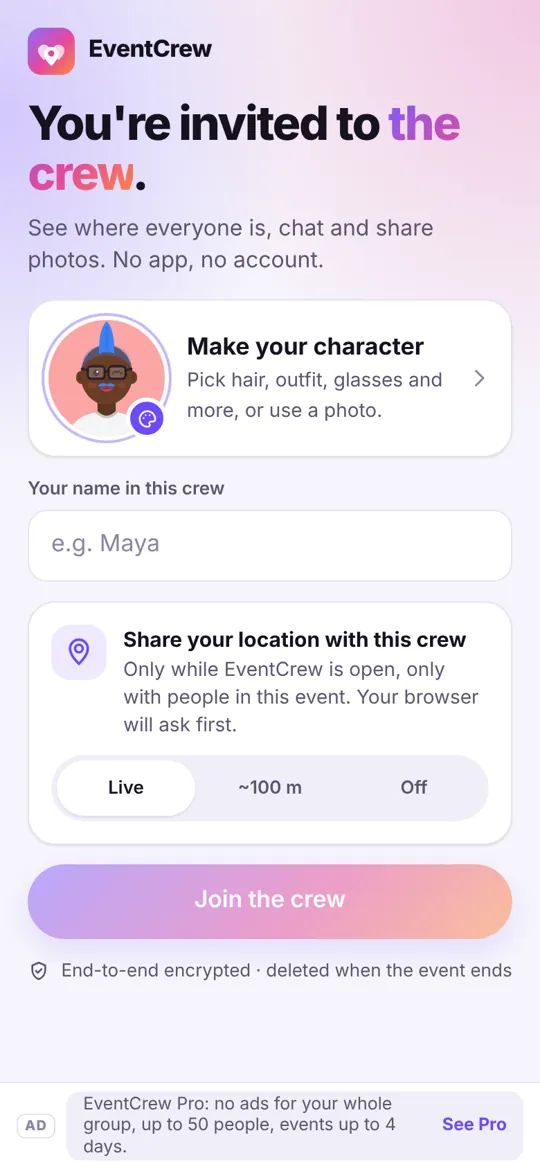
It opens in their phone's browser. They pick a nickname and allow location. No account, no email, no install. By default the leader approves each person.
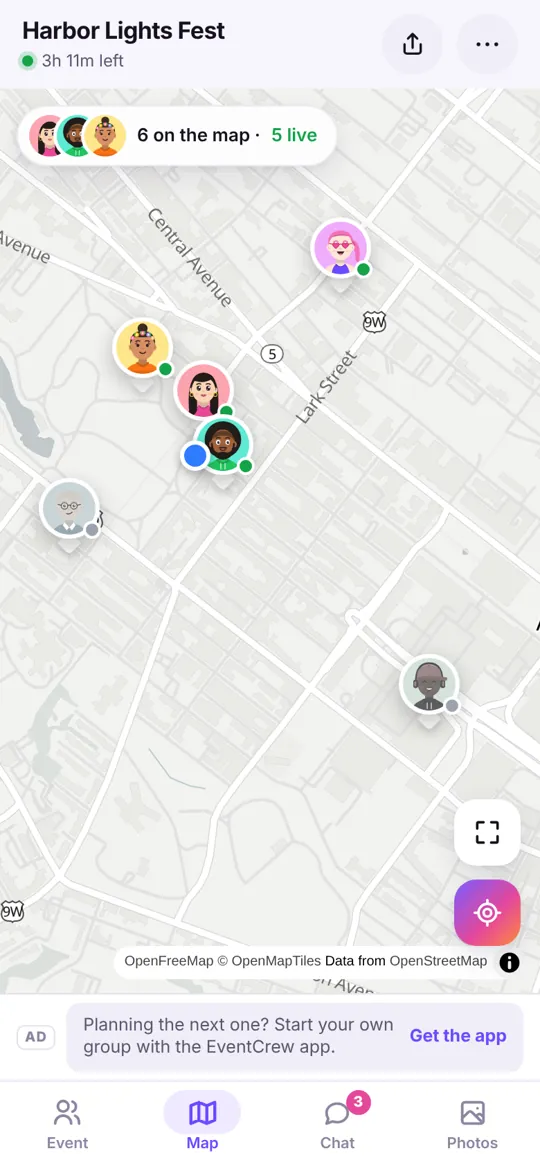
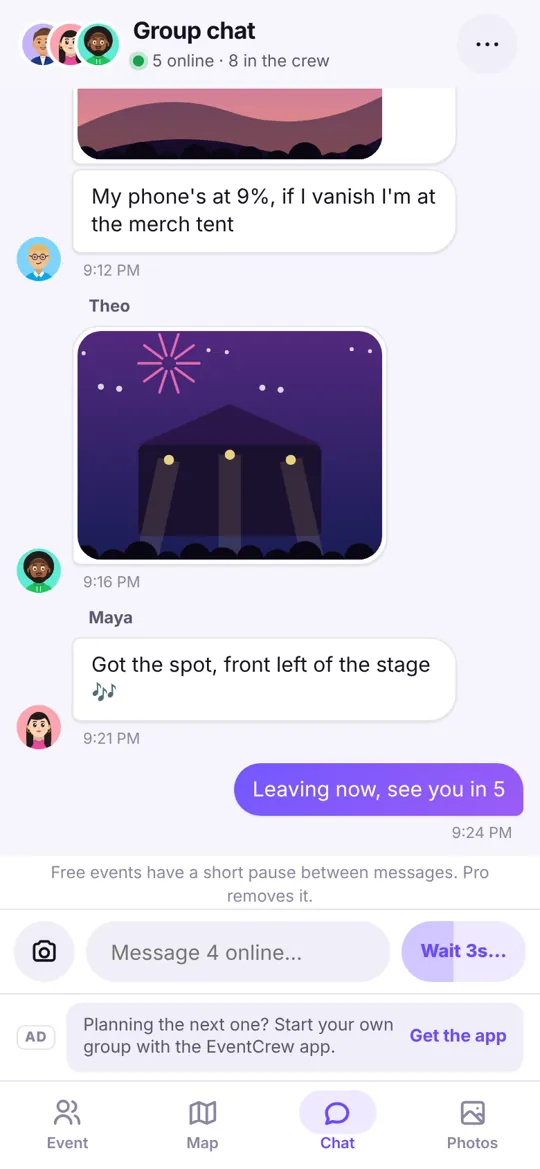
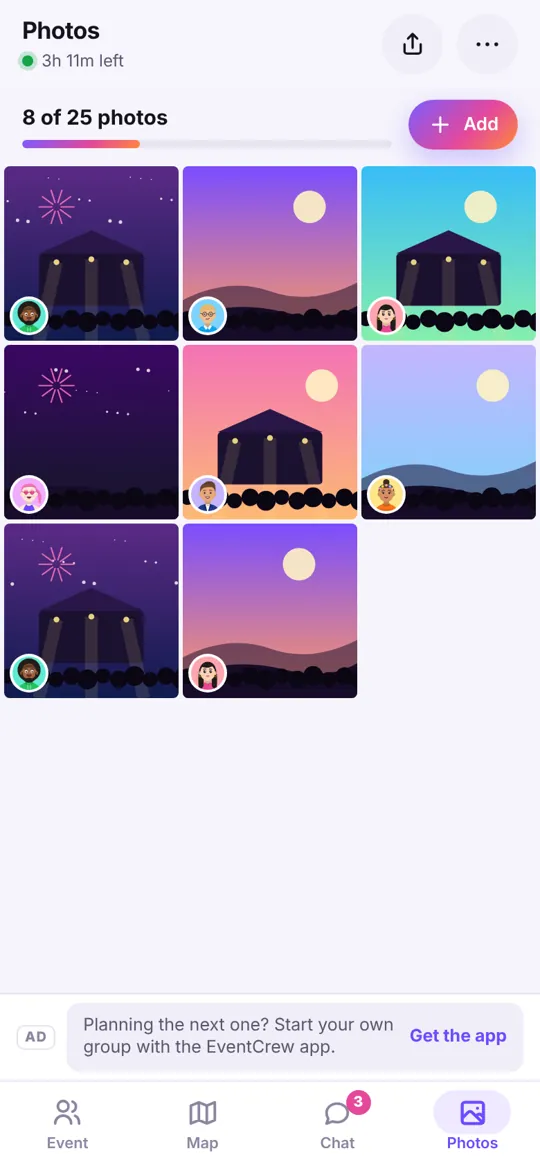
Everyone sees the crew on a live map, chats with the group, shares photos and heads for the leader's meetup pin when it's time to regroup.
Real captures from the Android app and the member web app.
Privacy first
EventCrew is built to forget. Nothing about your night is kept once it's over.
When the leader taps End, or the end time passes, the event's whole database is wiped in one step: locations, chat, photos and nicknames. No backups, no archive, no "recently deleted".
Tap Leave and your location, messages and photos are deleted from the server right away, and the event is wiped from your browser.
Nicknames, chat, photos, locations and the meetup pin are encrypted on your device. The key lives only in the invite link, so our server only ever holds scrambled data.
No email, phone number or real name. Just a nickname for this one event.
Only your latest spot is kept, never a trail. Choose exact or approximate (about 100 m), or pause sharing whenever you like.
Photos are re-drawn on your phone to strip hidden location data before they're shared. The friends' web app has no analytics.
Free covers a night out. Pro is for bigger groups and multi-day festivals, and it's ad-free for everyone in the event.
| Per event | Free | Pro |
|---|---|---|
| People in the event | Up to 15 | Up to 50 |
| Longest event | 12 hours | 4 days |
| Events at once | 1 | 3 |
| Photos per event | 25 (5 per person) | 150 (20 per person) |
| Ads | Yes, never on the map | None, for the whole group |
| Auto-delete at the end | Always | Always |
Pro is a subscription bought in the Android app by the person who starts events. Prices will be shown in Google Play at launch.
No. Only the person who starts the event uses the Android app. Everyone else taps the invite link and joins in their phone's browser, on Android or iPhone. They can add it to their home screen if they want notifications.
It exists only while the event is running. Content you share (nickname, chat, photos, location) is encrypted on your phone before it's sent. When the event ends, everything about it is permanently deleted from the server in one step, photos included. If you leave early, your own location, messages and photos are deleted right away. We don't sell data, and there are no accounts to keep. The Privacy Policy has the details.
Yes, any time, with one tap. Leaving deletes your location, messages and photos from the event immediately.
Only people with your invite link, and by default you approve each one before they see anything. You can remove people, make a new link or cancel old links at any time.
No. Location is shared only during the event, and only your latest spot is kept. On the web it's sent only while the page is open, and only when you've moved. When the event ends, it's deleted along with everything else.
Friends can join from Safari on any iPhone. To get notifications on iPhone, add the page to your Home Screen (iOS 16.4 or later). The app for starting events is on Android first.
To keep EventCrew free, there's a limit on how many new events can start each day. If it's reached, you'll see that message and can try again the next day. Events that are already running are never cut off.
Yes. The free plan covers events of up to 15 people and 12 hours, with ads. Pro raises the limits and removes ads for the whole group.
EventCrew is almost ready. The Google Play link will appear here on launch day.
Coming soon toGoogle Play